Episode #280
Introduction
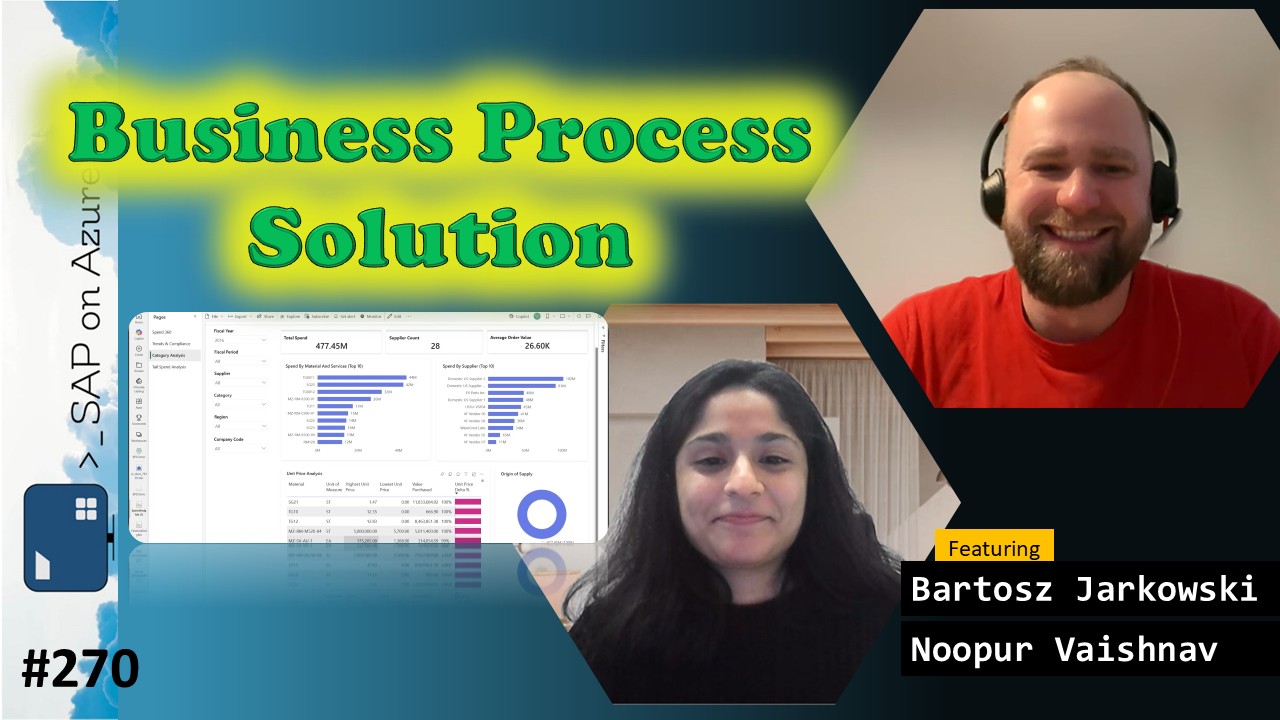
In episode 280 of our SAP on Azure video podcast we talk about Business Process Solutions!
In our last episode we talked about the integration of SAP data into Fabric. As outlined there are multiple ways how to link or replicate data from your SAP systems to Fabric. However, we often hear from customers that the jounrey begins only then. You need to make sure that Fabric “understands” the semantics, you need to build dashboard in Power BI and you potentially want to get started to interact with your data from Copilot. In order to help customers and partners to get started more quickly, Bartosz and the team developed Business Process Solutions: prebuild resources including data models, transofmrations and business templates. Our colleuage Noopur then extended all of this in Copilot Studio, so that you can actually chat with your data. Both join us today to talk more about BPS and show us what you can do with it!
Find all the links mentioned here: https://www.saponazurepodcast.de/episode280
Reach out to us for any feedback / questions:
- Goran Condric: https://www.linkedin.com/in/gorancondric/
- Holger Bruchelt: https://www.linkedin.com/in/holger-bruchelt/
#Microsoft #SAP #Azure #SAPonAzure #Data #Fabric #Datasphere #Copilot #CopilotStudio
Summary created by AI
- Overview of Business Process Solutions (BPS) for SAP and Microsoft Fabric:
- Holger, Bartosz, and Noopur discussed the challenges organizations face in integrating data from multiple enterprise systems and introduced Business Process Solutions (BPS) as a way to provide prebuilt data models, templates, and dashboards for SAP and other business applications within Microsoft Fabric.
- Integration Challenges: Bartosz explained that organizations often have complex application landscapes with multiple ERP, CRM, and IoT systems, making it difficult to achieve end-to-end visibility and consolidate data for reporting and analysis.
- BPS Solution Scope: Bartosz described how BPS provides standardized data models, extraction templates, and reporting templates for common business areas such as finance, sales, procurement, and manufacturing, supporting both SAP and Salesforce, with plans to extend to other platforms.
- Benefits of BPS: Holger and Bartosz highlighted that BPS accelerates the deployment of analytics by offering out-of-the-box templates and best practices, reducing the time and effort required for ETL processes and enabling customers to focus on insights rather than data preparation.
- Customer Feedback and Adoption: Bartosz shared that customers have been able to implement BPS and deploy Power BI dashboards within days, a significant improvement over traditional integration projects that could take months.
- Technical Implementation and Customization of BPS in Microsoft Fabric:
- Bartosz provided a detailed walkthrough of configuring BPS in Microsoft Fabric, including connecting source systems, importing and customizing data models, and deploying Power BI dashboards, with Holger asking clarifying questions about extensibility and costs.
- Enabling BPS in Fabric: Bartosz demonstrated how to enable BPS as a workload in Microsoft Fabric, noting that there are no additional licensing costs beyond Fabric capacity consumption.
- Configuring Source Systems: He showed how to add new source systems (e.g., SAP, Salesforce), select connection types such as Azure Data Factory or Open Mirroring, and configure system details and versions.
- Importing and Customizing Data Models: Bartosz explained the process of importing dataset templates, viewing and selecting relevant tables, and extending data models with custom tables, ensuring that transformation logic applies consistently to both standard and custom objects.
- Data Extraction and Processing: He described the medallion architecture (bronze, silver, gold lakehouses) used for data processing, the deployment of necessary Azure resources, and the approach of extracting all columns to facilitate future reporting needs.
- Deploying and Modifying Dashboards: Bartosz illustrated how to deploy Power BI dashboards from templates, customize them, and use the provided semantic models and measures for self-service reporting, with all assets being open source for further modification.
- Demonstration of Power BI Dashboards and Analytical Capabilities:
- Bartosz showcased various Power BI dashboards generated from BPS, including spend analysis, financial insights, and sales performance, and explained how these dashboards provide actionable metrics and support drill-down analysis for end users.
- Spend Analysis Dashboard: Bartosz demonstrated the spend analysis dashboard, which includes views such as spend by category, supplier, trends, compliance checks, category analysis, unit price analysis, and tail spend analysis to identify supplier consolidation opportunities.
- Financial Insights Dashboard: He presented the financial insights dashboard, which provides trial balances, financial statements, profitability analysis, and supports hierarchical views and drill-through to accounting documents and line items.
- Sales and Performance Reporting: Bartosz described the sales and billing dashboards, which track sales metrics, top customers, products by revenue, and support localization and hierarchy visualization.
- Customization and Extensibility: He emphasized that all dashboards and underlying data models are open source, allowing users to modify, extend, and create custom reports tailored to their business needs.
- Integration of AI and Copilot Studio with BPS Data Agents:
- Noopur demonstrated how BPS data agents can be created in Microsoft Fabric and integrated with Copilot Studio, enabling users to interact with SAP data using natural language queries and orchestrate responses from analytical, transactional, and M365 data sources.
- Creating and Configuring Data Agents: Noopur explained how to create data agents in Fabric, select semantic models, and configure which tables and instructions the agent should use for answering analytical questions.
- Natural Language Querying: She showed how users can ask questions in natural language (e.g., ‘Who is the customer with the highest revenue last year?’), with the agent dynamically generating and executing queries against the semantic model.
- Copilot Studio Orchestration: Noopur described how Copilot Studio acts as an orchestrator, routing questions to the appropriate agent—analytical queries to the Fabric data agent, live transactional queries to an SAP OData agent, and communication-related queries to an M365 agent.
- Multi-Channel Deployment: She demonstrated that the BPS agent can be deployed in Microsoft Teams, Excel, PowerPoint, and other M365 applications, allowing users to access SAP data and insights across different platforms.
- Customization and Extensibility: Noopur noted that users can further customize agents, add triggers, and integrate additional enterprise connectors, making the solution adaptable to various workflows and data sources.
- Preview Status and Roadmap for BPS and BPS Agent:
- Holger clarified that while BPS is in public preview and available to all Fabric users, the BPS agent is currently in private preview, with sign-up available for interested customers; Bartosz outlined ongoing development plans for additional systems, functional areas, and agent capabilities.
- Preview Availability: Holger explained that BPS is publicly available in Microsoft Fabric, while the BPS agent requires sign-up for private preview, with links provided for interested users.
- Future Roadmap: Bartosz mentioned ongoing work to integrate more systems, expand functional areas, and enhance agent capabilities, inviting customers and partners to collaborate and provide feedback.
- 0:00 Intro
- 1:30 Introducing Noopur and Bartosz
- 2:30 Business Process Solutions
- 4:05 Typical Application Landscape
- 6:15 Business Applications are complex
- 8:00 Unified Enterprise Information Across your Biz Apps
- 9:15 Solution Analytical Scope
- 13:45 BPS - Reports - Sales
- 15:00 BPS - Reports - Finance Insights
- 15:55 BPS - Reports - Spend Analysis Dashboard
- 18:55 Demo - Microsoft Fabric
- 21:00 Demo - Configuring BPS Solution
- 27:10 Demo - Importing Custom Tables
- 29:10 Demo - Looking at the imported data - SQL Analytics Endpoint
- 33:40 Demo - Power BI Dashboards
- 45:50 Demo - Working with natural language - data agents
- 49:20 Demo - Accessing from Copilot Studio
- 56:50 Demo - Accessing from Teams